Bead Loom Pixel Art: Designing Pictures One Bead at a Time
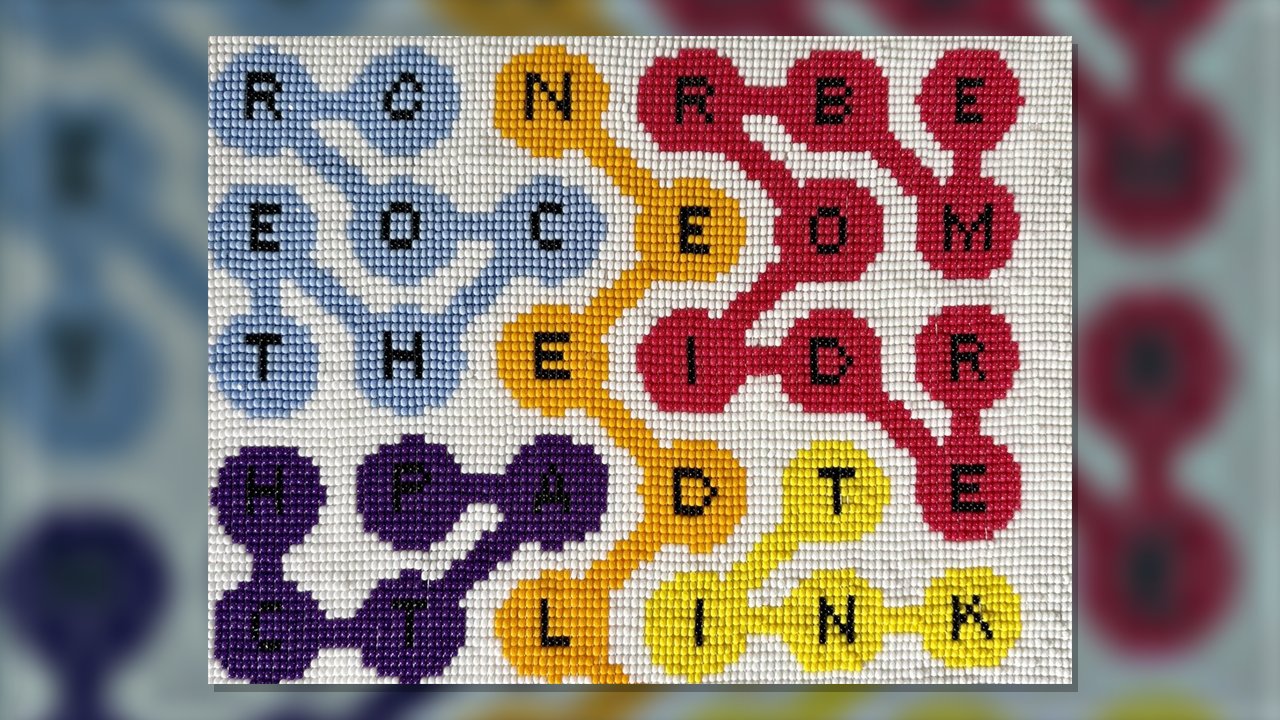
Pixel art builds a picture from small squares of color. A bead loom does the same thing with glass. Each bead is one cell, and the rows and columns line up in a straight grid.
That makes the loom the natural home for pixel art in beads. Off loom stitches such as peyote and brick stitch shift every other row by half a bead, so a square pixel chart does not transfer directly. On a loom it does. See loom beading vs peyote.
This guide uses the bead tapestries of fiber artist Peggy Dembicer, who shares her photos under an open license. The word puzzle at the top of this page is her loom woven piece based on the solution to a New York Times Strands puzzle (photo: Peggy Dembicer, CC BY 4.0, via Wikimedia Commons, placed on a background for this page).
Bead count is resolution
In digital pixel art, resolution is the number of pixels. On a loom, it is the number of beads. A bracelet 9 beads wide has room for a simple icon. A wall panel with thousands of beads can hold a whole scene.
Peggy’s notes give the bead counts for several pieces: 14,175 for Crayola 64, about 17,000 for another tapestry. That is the scale at which small details, like the tip of each crayon, become possible.
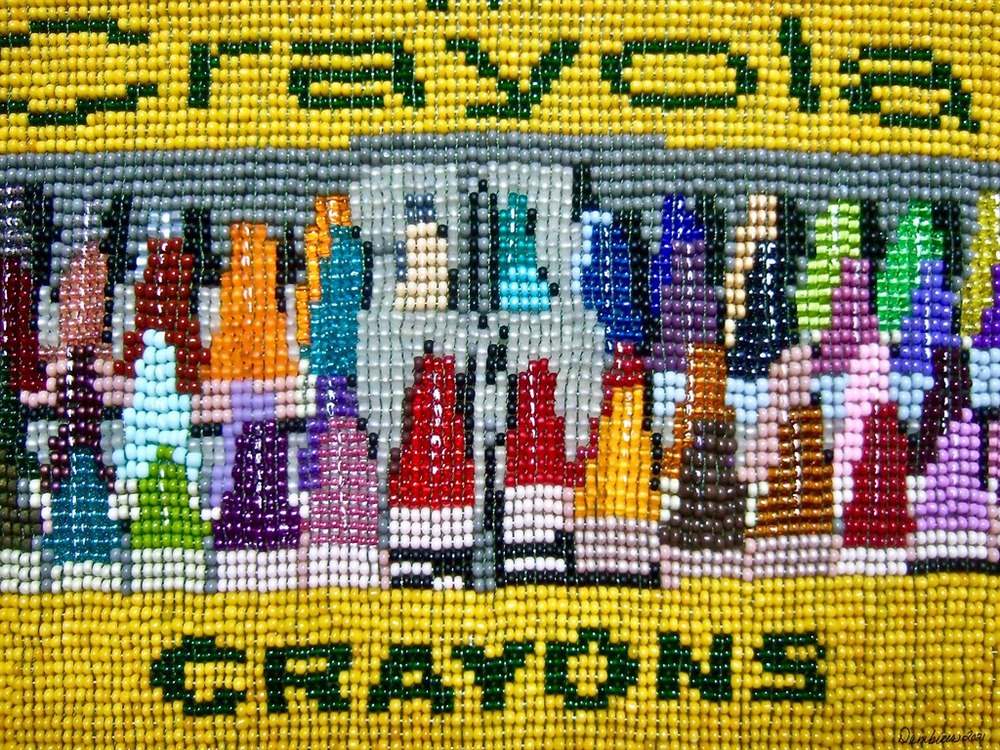
Before charting, decide the smallest detail that must be visible, then count how many beads it needs. If the answer is one bead, the whole picture probably needs to be larger.
A quick test helps. Shrink your source picture in any photo editor to the number of beads you plan to weave, then view it at full size. If the subject is still clear at that size, it will be clear in beads.
Letters at low resolution
The puzzle piece at the top of this page shows how letters behave on a grid. Each letter sits in its own bead circle, so it has to be drawn in very few beads. Straight letters such as E, T and L are easy. Curved letters such as C, O and R need careful stepping to stay readable.
The crayon box shows the other approach: large, bold letters several beads thick. Thick strokes survive the grid much better than thin ones. For drawing letters, see bead loom letters.
Curves are stair steps
A grid has no true curves. A circle drawn in beads is a set of steps, and small circles look more like octagons.

The larger the circle, the smoother it looks. On these candies, the outlines read as round from a short distance because each one is many beads across. If a curve looks lumpy on your chart, try making the shape bigger before you try to fix single beads.
Make the steps regular. A curve stepping 1, 1, 2, 2, 3 beads looks smooth. A curve that jumps 1, 3, 1, 2 looks broken.
Faces with flat color
Faces are the hardest pixel art subject because the eye notices every error. The trick is to use flat areas of color and strong outlines, the way cartoons do.
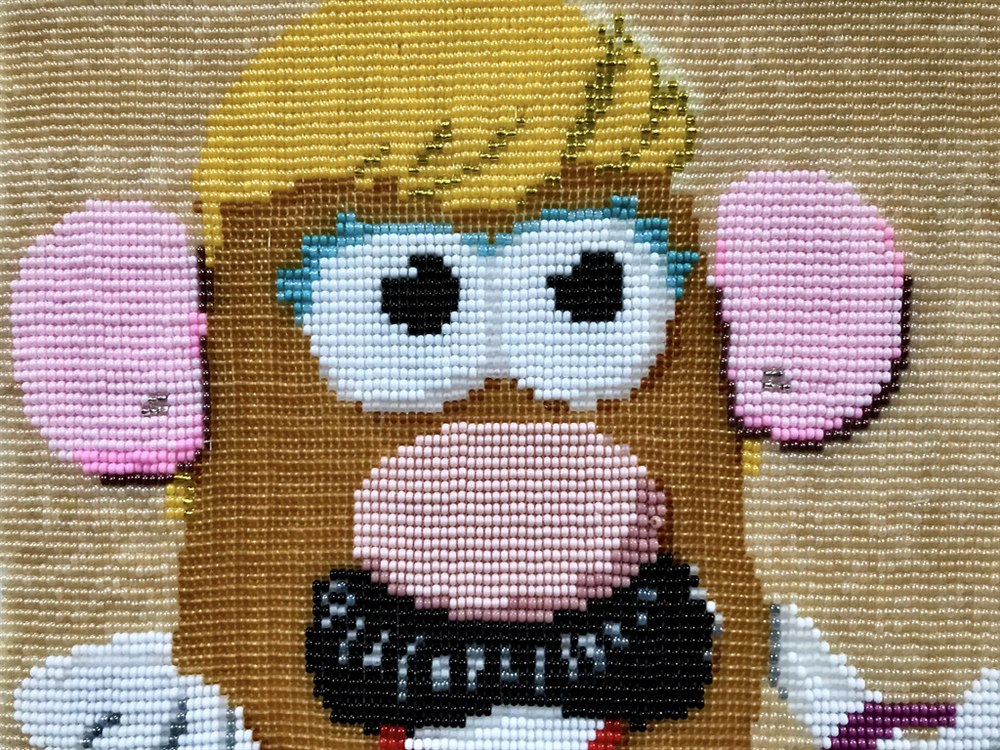
Each feature here is a simple shape: white circles with black centers for the eyes, a pink oval for the nose, a black band for the mustache. A thin darker line around the ears gives them depth without shading.
The artist’s notes say this design was adapted, with permission, from another artist’s photograph. If your pixel art starts from someone else’s image or character, ask before you weave it. For more on faces, see bead loom portrait.
Texture by mixing beads
Not every area should be flat. Scattering two or three close shades in a random mix makes a surface look textured. In digital pixel art this is called dithering.
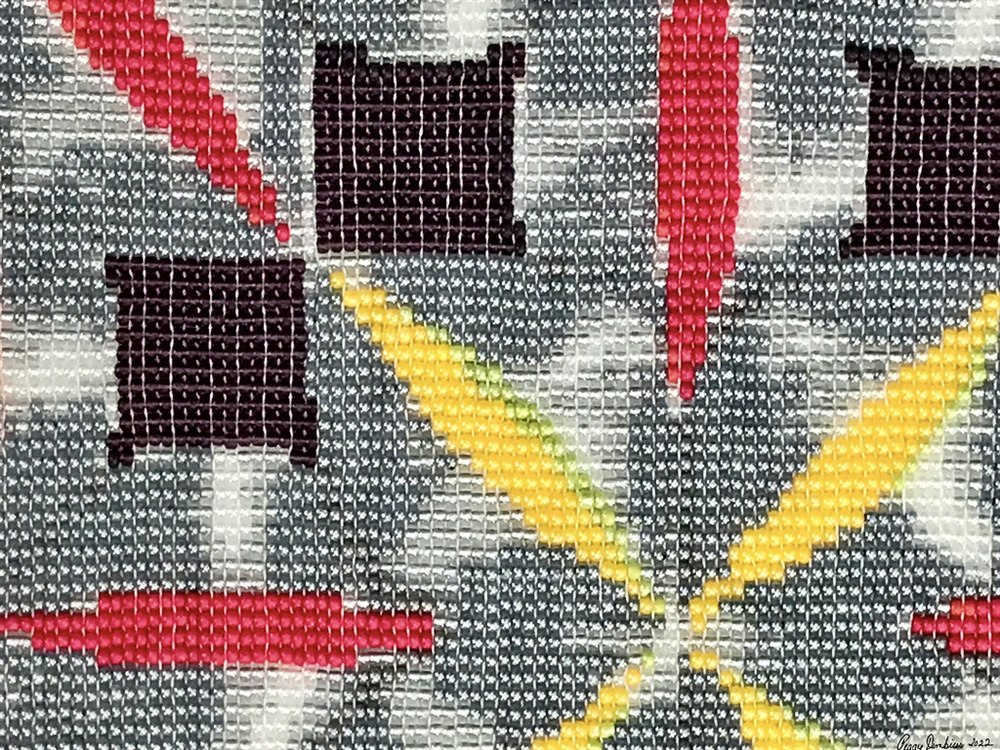
Here the gray background is speckled rather than solid, which keeps a large plain area from looking dead. The flat red, yellow and dark shapes stand out against it. Peggy’s notes for this piece also list file folder metal strips woven in with the seed beads.
When you mix, keep the colors close in value. A random mix of light and dark beads reads as noise, but a mix of two grays reads as texture. For the effect of bead finishes on texture, see seed bead finishes.
Patterns inside shapes
Pixel art does not have to be realistic. Filling shapes with small patterns, such as checks, stripes or dots, is easy on a grid because every pattern repeats on whole beads.
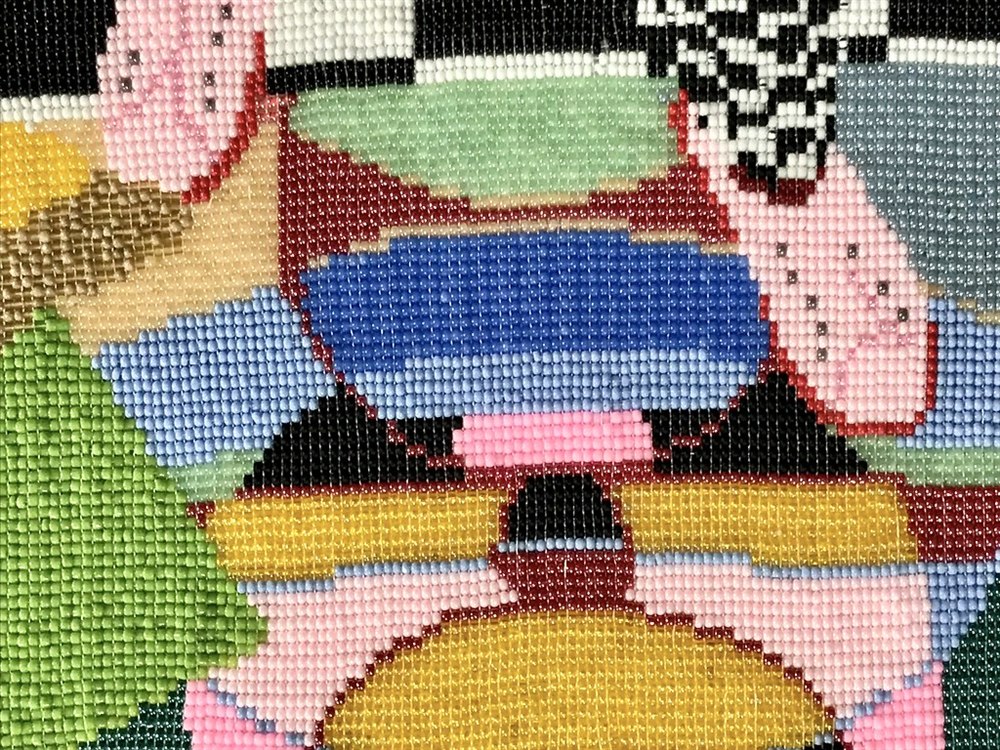
A checkerboard is the simplest pattern of all: alternate two colors bead by bead. The artist’s notes say this piece is based on a photograph shared by another fiber artist.
From picture to chart
Most bead loom pixel art starts as a picture that is reduced to a grid. Pattern software can do the first pass, but expect to clean up the result by hand. Programs tend to add stray single beads and too many colors.
- Reduce the palette. Ten to twenty colors are plenty for most pictures.
- Remove orphans. A single bead of one color inside another usually reads as a mistake.
- Strengthen outlines. A dark line around key shapes keeps them readable.
- Check the ratio. Beads are not perfect squares, so preview the chart in bead proportions.
For tools, see bead loom pattern software. For the whole process, see how to design a bead loom pattern. For finishing a large piece for the wall, see bead loom wall art.
Frequently asked questions
Can you do pixel art on a bead loom?
Yes. Loom beads sit in straight rows and columns, so each bead works like one pixel and a pixel chart transfers directly.
Is loom work or peyote better for pixel art?
Loom work, for most charts. Peyote and brick stitch offset every other row by half a bead, so a square pixel grid does not line up.
How many beads do I need for a detailed picture?
It depends on the smallest detail. Large tapestries with fine details often use more than 10,000 beads.
How many colors should bead pixel art use?
As few as the picture allows. Ten to twenty colors are enough for most designs, and fewer colors read more clearly.
Can I weave a picture of a character from a game or cartoon?
Characters and photos belong to their creators. Use your own designs, or ask permission before weaving someone else’s image.
Browse more Bead Loom Guides on the blog.